Selling only through WhatsApp and word of mouth works at the start, but sooner or later every growing reseller hits a ceiling. An IPTV reseller website breaks through it: it works for you around the clock, answers common questions before people message you, builds trust with new customers and brings in leads from search engines while you sleep.
This guide explains how to plan, build and run an IPTV reseller website step by step, even if you have never built a site before. You will learn which pages you need, how to write them, which tools to use, how to get your first visitors and which mistakes to avoid.
At Reseller for IPTV we see every day how resellers with a simple, clear website grow faster and keep customers longer. This is what we recommend.
In This Guide
Why You Need an IPTV Reseller Website
| Without a website | With an IPTV reseller website |
|---|---|
| Every customer must message you to learn the basics | Prices, devices and FAQs are answered on the page |
| Hard for new people to trust you | Clear policies and contact details build confidence |
| Leads only come from your personal network | Search engines and social links bring new visitors |
| Setup help is repeated in every chat | Device guides are written once and shared as links |
| Business depends on your availability | Your site works 24 hours a day |
A website does not replace personal service; it supports it. Customers still message you, but they arrive better informed and closer to buying.
Plan Your IPTV Reseller Website Before You Build It
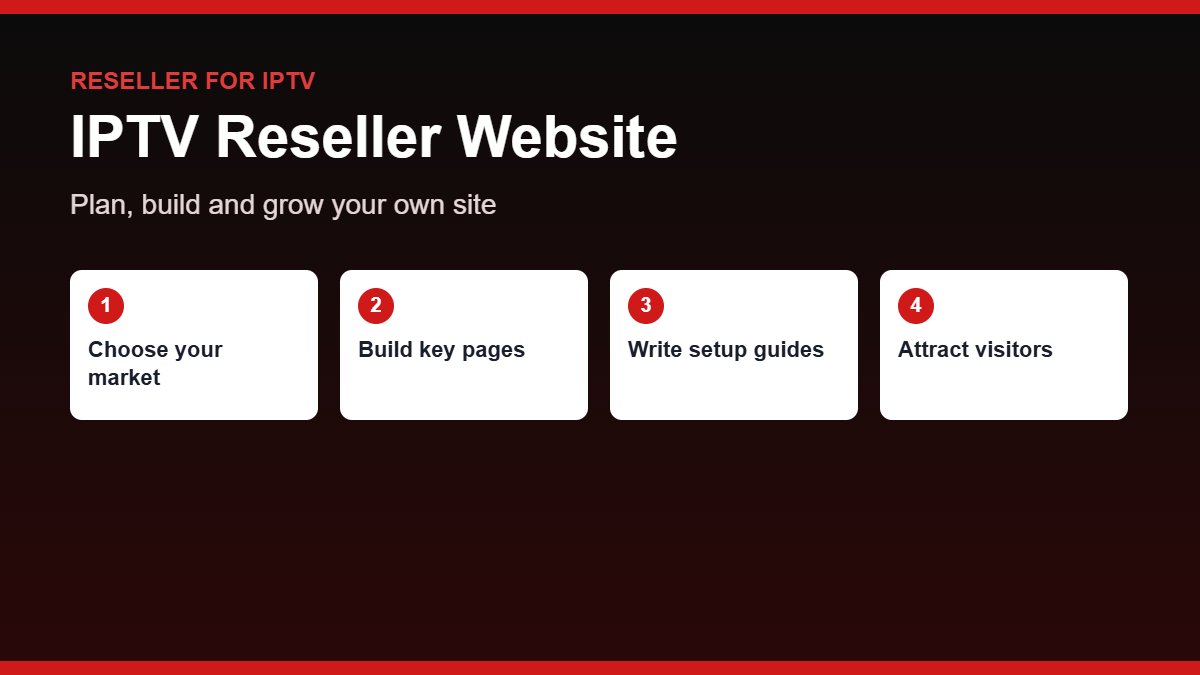
1. Choose Your Market
Decide who you are selling to: one country, one language, one type of customer. A focused site, for example UK families who watch on Firestick, converts better than a vague site for everyone.
2. Choose a Brand Name and Domain
Pick a short, easy name that you own. Avoid using other companies’ brand names or channel names in your domain or logo: it creates legal risk and can get your site taken down. A neutral name that describes your service is safer and builds your own reputation.
3. Decide What the Site Must Do
For most resellers, an IPTV reseller website has three jobs: explain the offer clearly, help customers set up their devices, and make it easy to contact you or buy.
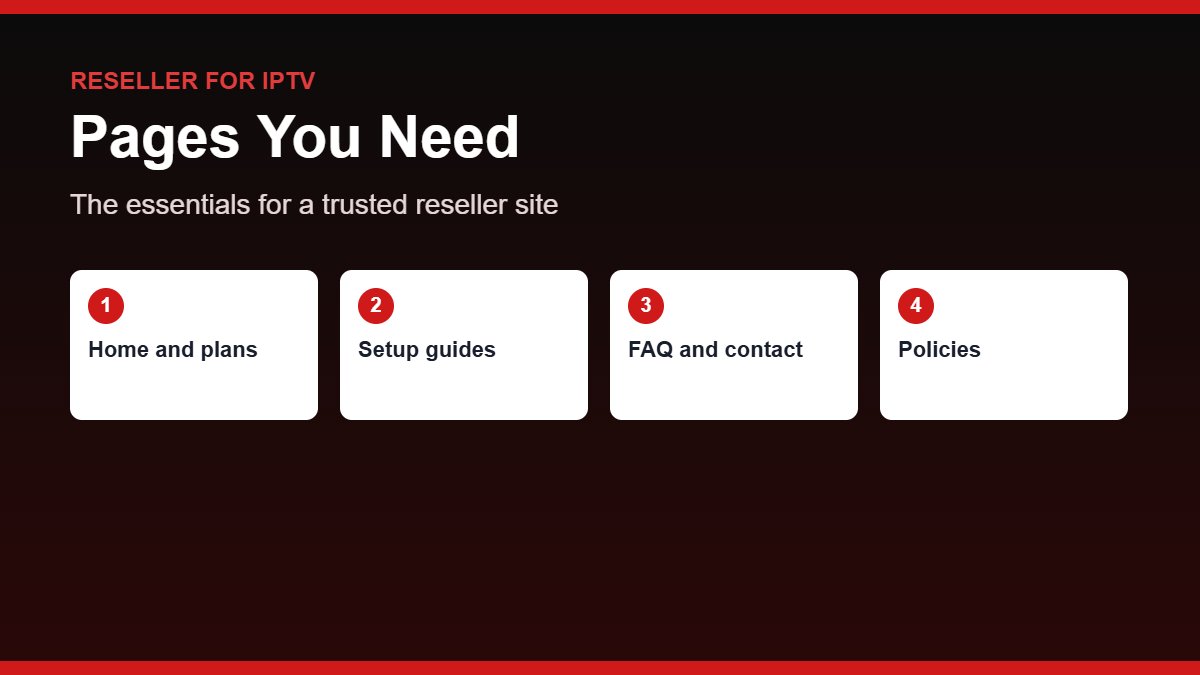
The Pages Every IPTV Reseller Website Needs
| Page | Purpose | Key content |
|---|---|---|
| Home | Explain the offer in seconds | What you sell, who it is for, main benefits, a clear call to action |
| Plans and prices | Help people choose | 1, 3, 6 and 12-month plans, what each includes |
| Setup guides | Reduce support questions | Short guides for Firestick, smart TVs, Android, Apple and MAG |
| FAQ | Answer common doubts | Devices, activation time, renewals, refunds |
| Contact | Make it easy to reach you | WhatsApp button, email, response times |
| Policies | Build trust | Terms, privacy policy, refund policy |
| Blog | Attract search visitors | Helpful how-to articles about devices and apps |
How to Build the Site Step by Step
Step 1: Get Hosting and a Domain
Choose a reliable hosting company with a simple control panel, free SSL and good support. Many offer a domain in the same order, which keeps things simple.
Step 2: Install WordPress
WordPress powers a large share of the web and is easy to manage without coding. Most hosts install it in one click. You can learn more on the official WordPress website.
Step 3: Choose a Fast, Simple Theme
Pick a lightweight theme that looks good on phones. Most of your visitors will arrive on a mobile, so test every page on a small screen.
Step 4: Add the Essential Plugins
- An SEO plugin to manage titles, descriptions and sitemaps.
- A caching plugin to keep pages fast.
- A WhatsApp or live chat button so visitors can reach you in one tap.
- A security plugin and regular backups.
Step 5: Write the Core Pages
Start with the home page, plans, FAQ, contact and policies. Keep sentences short and focus on what the customer gets, not on technical jargon.
Step 6: Add Setup Guides
Write one guide per device type, with clear steps. Every guide you publish is a support message you will never have to type again.
Step 7: Test Everything
Check every button, form and link on a phone and a computer. Ask a friend to find your prices and contact you without help. If they struggle, simplify.
What to Put on Your Home Page
Your home page has a few seconds to convince a visitor to stay. Build it from top to bottom in this order:
- A clear headline that says what you offer and who it is for, for example “Simple TV streaming for UK homes, set up in 15 minutes”.
- Three short benefits, such as fast activation, friendly support and works on any TV.
- One main button, usually “Message us on WhatsApp” or “Request a trial”.
- Plans at a glance, with a link to the full plans page.
- Supported devices, using simple icons and links to your setup guides.
- How it works in three steps: choose a plan, receive your login, start watching.
- A short FAQ answering the top three questions.
- Contact details and policies in the footer.
Keep the page light and fast. A visitor on a phone should see the headline and main button without scrolling.
Writing Setup Guides Customers Actually Use
Setup guides are the most valuable pages on an IPTV reseller website, because they save you hours of repeated messages and make new customers feel looked after. Good guides share a few traits:
- One device per guide, so customers do not have to search through steps that do not apply to them.
- Numbered steps with one action per step.
- Your own screenshots, never images copied from other sites.
- A short troubleshooting section at the end for the two or three most common problems.
- A contact button at the bottom in case the customer still needs help.
Start with the devices your customers use most, usually Firestick and smart TVs, and add the others over time.
Writing Content That Converts
- Lead with benefits. “Watch on any TV in your home in 15 minutes” works better than a list of technical specs.
- Be clear about prices. Hidden prices make people leave; clear prices bring messages from serious buyers.
- Show how simple setup is. Link your device guides from the home page.
- Answer objections. Use the FAQ to cover activation time, devices, renewals and refunds.
- Use one main call to action. For most resellers, it is “Message us on WhatsApp” or “Get a free trial”.
If you offer test lines, link your offer to a clear process; our guide to running an IPTV reseller trial explains how to turn tests into sales.
Setting Prices on Your IPTV Reseller Website
Your margin is the difference between the cost of the credits you use and the price you charge. With our packs, 1 credit equals 1 month of subscription, and the cost per credit falls as packs get bigger, from 120 credits for £220 to 480 credits for £650.
| Plan you sell | Credits used | Pricing tip |
|---|---|---|
| 1 month | 1 | Your entry price, ideal for trials converting to paid |
| 3 months | 3 | A small discount per month encourages commitment |
| 6 months | 6 | Good value for families |
| 12 months | 12 | Best price per month, highest customer lifetime |
See every pack on our reseller credits packages page, and learn how to calculate your margin in IPTV reseller credits explained.
Getting Visitors to Your IPTV Reseller Website
Search Engines
Publish helpful articles that answer real questions, such as how to set up a particular app or fix buffering. Each good article can bring visitors for years. Submit your sitemap in Google Search Console so your pages are found quickly.
Social Media and Communities
Share your setup guides where people ask for help. Helpful content builds trust far better than direct advertising, and many platforms restrict IPTV adverts anyway.
Referrals
Your happy customers are your best marketing. Send them a simple link to your site so they can share it with friends and family.
Local Reputation
Respond quickly, keep promises and treat every customer well. Reputation is what turns a website into a business.
Mistakes to Avoid
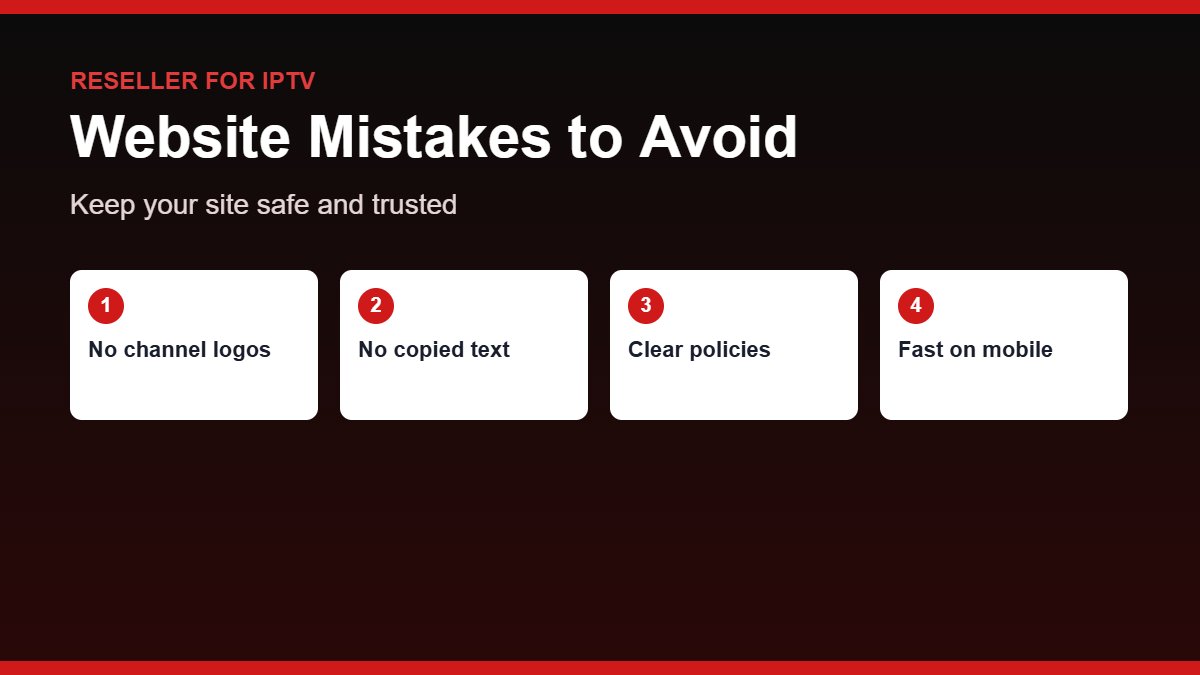
| Mistake | Why it hurts | What to do instead |
|---|---|---|
| Using channel or broadcaster logos | Copyright complaints and takedowns | Use neutral icons and your own images |
| Copying another site’s text | Search engines ignore duplicate content | Write your own, in your own words |
| No contact details or policies | Visitors do not trust the site | Add clear contact, terms and refund pages |
| A slow, heavy site | Mobile visitors leave before it loads | Use a light theme, compress images, use caching |
| Too many calls to action | Visitors do not know what to do | Keep one main action per page |
| Never updating the site | Outdated prices and guides lose trust | Review the site every month |
Our article on IPTV reselling mistakes covers the wider business pitfalls, and how to start an IPTV business puts the website in the context of your whole plan.
Keeping Your IPTV Reseller Website Safe and Trustworthy
- Use HTTPS on every page so visitors see the secure padlock.
- Keep WordPress, the theme and plugins updated to close security holes.
- Back up the site regularly and keep a copy outside your hosting account.
- Protect customer data: collect only what you need, and never post login details publicly.
- Be clear about what you sell and follow the laws that apply in your country.
Measuring What Works
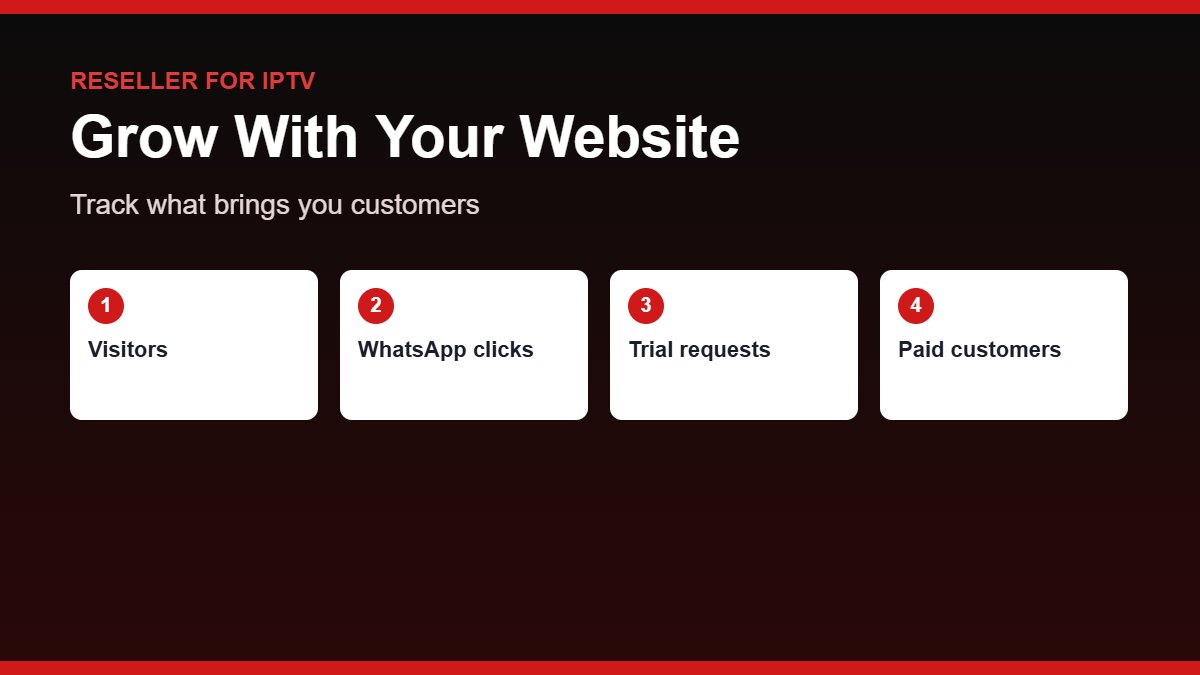
Once the site is live, track a few simple numbers each month: visitors, WhatsApp clicks, trial requests and new paying customers. Google Search Console shows which searches bring people to your site, and a simple analytics tool shows which pages they read. Improve the pages that bring leads, and rewrite the ones that do not.
| Metric | What it tells you |
|---|---|
| Visitors | Whether your content and promotion are working |
| WhatsApp or contact clicks | Whether visitors trust you enough to reach out |
| Trial requests | How interested new visitors are |
| Paid customers | Whether your offer and follow-up convert |
Remember that an IPTV reseller website does not need to be large to work. A small IPTV reseller website with five clear pages and a few good guides will outperform a big, confusing one. Focus on clarity first, then grow the IPTV reseller website one useful page at a time.
Keeping the Site Fresh
A website is never really finished. Set a short monthly routine: check that prices and plans are correct, update guides when apps change, answer any new common question in the FAQ, and publish at least one helpful article. Search engines reward sites that stay useful and up to date, and returning customers notice when information is current.
IPTV Reseller Website Launch Checklist
Before you share your IPTV reseller website with anyone, run through this checklist. It takes ten minutes and catches most of the problems that put first visitors off:
- The home page explains your offer clearly on a phone screen, without scrolling.
- Every plan shows a price and what is included.
- The WhatsApp button opens a chat with the right number.
- Setup guides exist for at least Firestick and smart TVs.
- Terms, privacy and refund pages are published and linked in the footer.
- HTTPS is active on every page.
- The sitemap is submitted in Google Search Console.
- Pages load quickly on a mobile connection.
- There are no broadcaster logos or copied images anywhere on the site.
- A friend has tested the site and could find prices and contact you without help.
When every box is ticked, your IPTV reseller website is ready to start bringing in customers. Share it first with existing clients and ask them to pass it on, then keep adding helpful content each month.
Frequently Asked Questions
Do I really need an IPTV reseller website?
You can start without one, but a website makes it far easier to grow, build trust and attract customers beyond your personal network.
How much does a reseller website cost?
A simple WordPress site with hosting and a domain usually costs a modest amount per year. Your main investment is time to write clear pages and guides.
Can I build the website myself?
Yes. With WordPress and a simple theme, most resellers can build a clean site in a few days without coding.
Should I show my prices on the site?
Yes. Clear prices attract serious buyers and save you time answering the same question again and again.
Can I use channel logos on my site?
Avoid it. Using broadcaster logos or names can lead to copyright complaints. Use neutral icons and your own branding.
How do I get my first visitors?
Share your setup guides with existing customers, ask for referrals, and publish helpful articles so search engines start sending visitors.
How long before my website brings customers?
Referrals from existing customers can start straight away. Search engine traffic usually takes a few months to build, so keep publishing helpful guides and articles while you wait.
Do I need a blog on my reseller site?
It is not essential on day one, but a blog is the easiest way to attract visitors from search engines over time. Start with the questions your customers ask most often, such as how to install an app on a specific device or how to fix buffering, and turn each answer into a short, clear article.
Final Thoughts
An IPTV reseller website turns a side activity into a real business. Plan your market and brand, build the essential pages, write clear setup guides, price your plans sensibly and keep the site fast, safe and up to date. Combined with fast, personal support, it becomes the engine that brings you new customers every month.
Ready to power your site with a reliable panel? Compare our reseller credits packages or message us on WhatsApp to request a trial before you start.